
VIDEO AND MUSIC TO GO
Download fast
in great quality
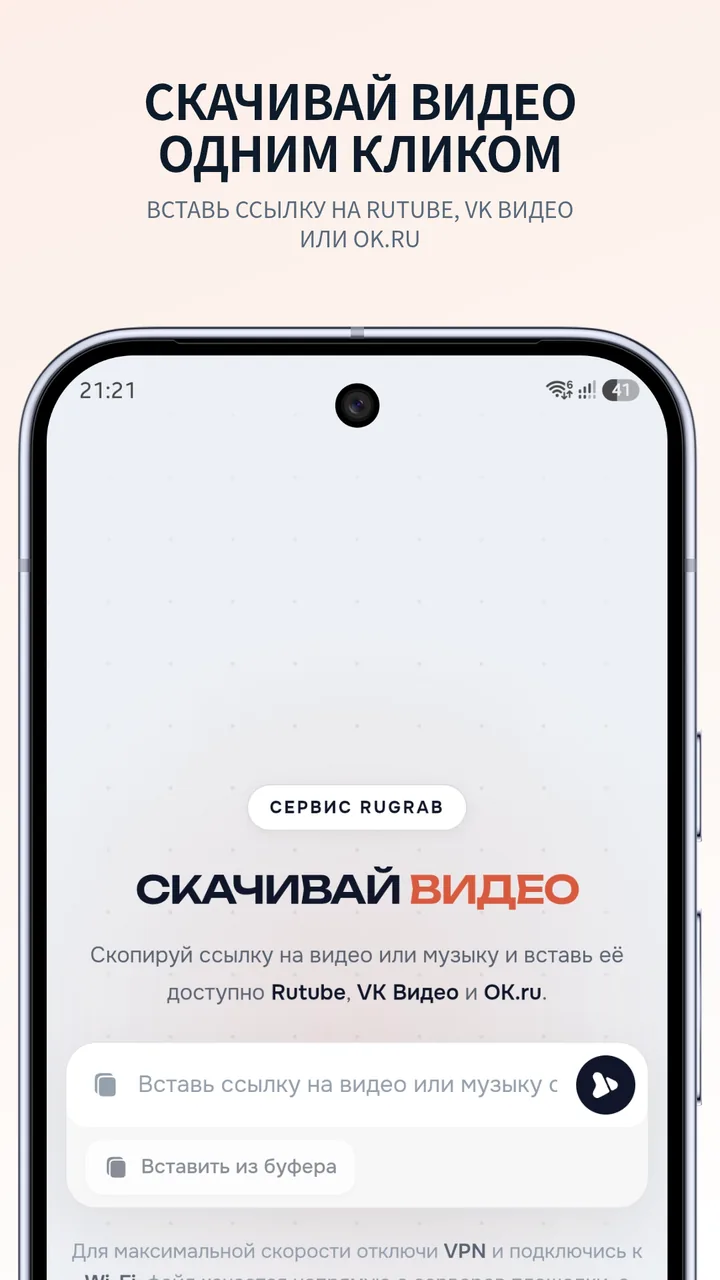
Paste a link, get the file. Direct download from the platforms’ own servers: YouTube, Rutube, VK Video, OK.ru, TikTok and Dzen, video up to 4K and music in MP3. No queues, no sign-up
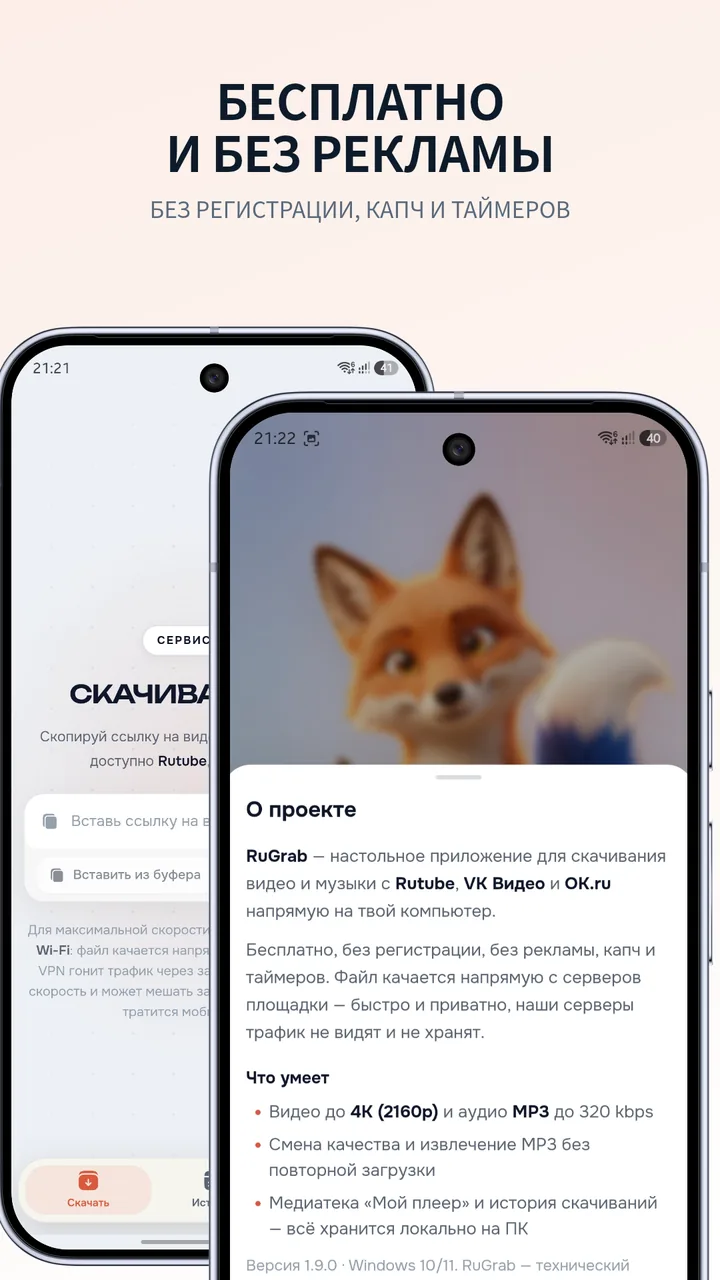
- Free
- No ads
- No sign-up
SIMPLER THAN IT SOUNDS
LinkQualityDone
No queues, no captchas
and no countdown timers
- 01
Copy the link
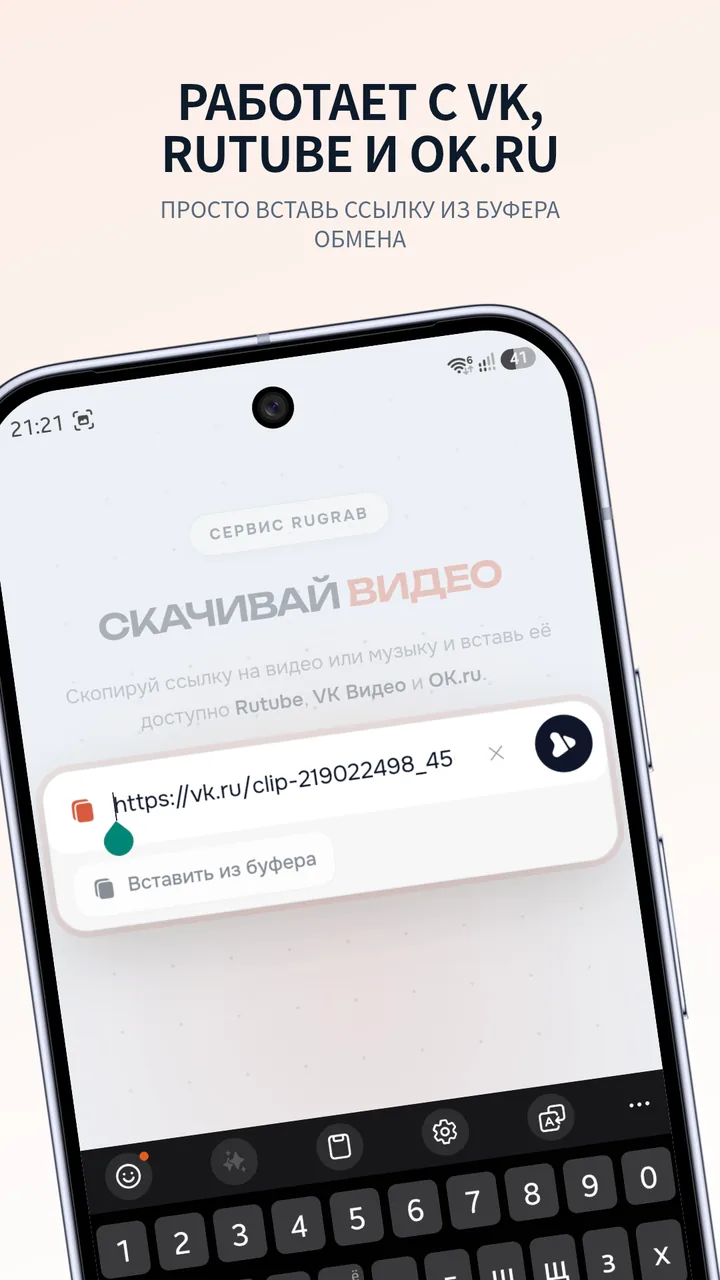
Open the video on YouTube, Rutube, VK, OK, TikTok or Dzen. Copy the link and paste it into RuGrab
- 02
Pick what to save
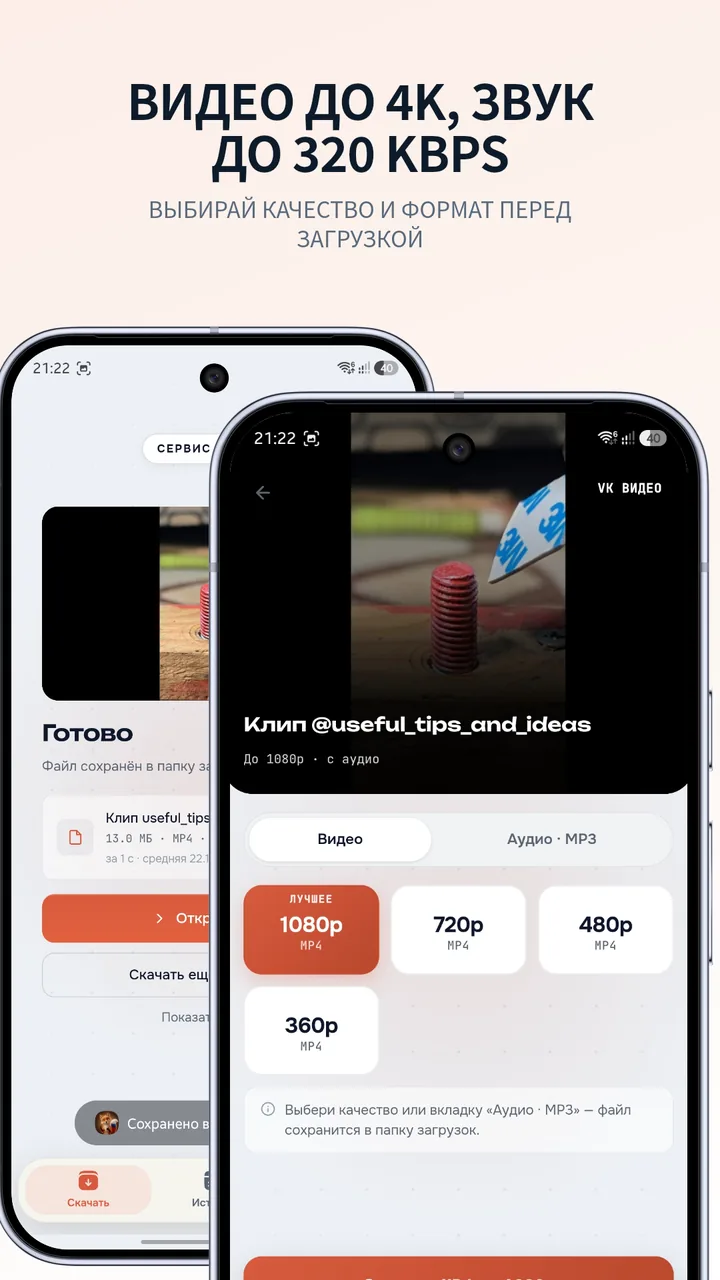
Video — in any quality up to 4K. Need audio only? Grab MP3 up to 320 kbps
4K1080pMP3 - 03
Watch whenever
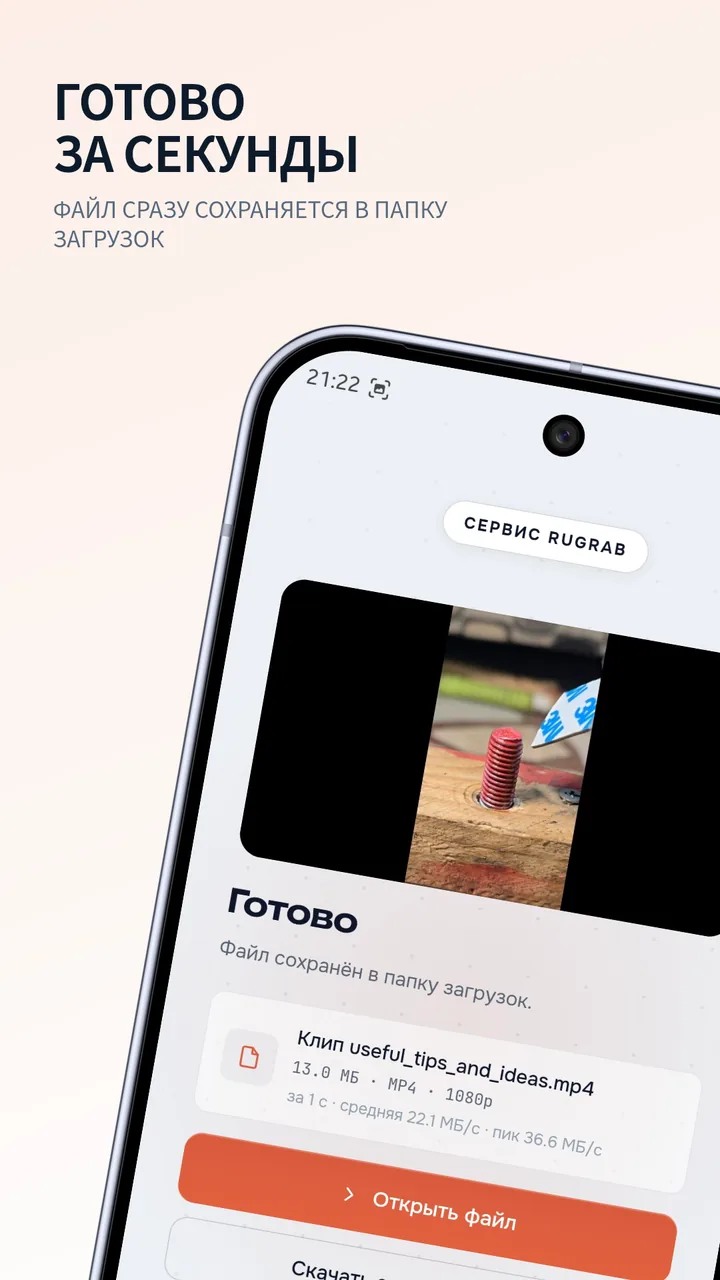
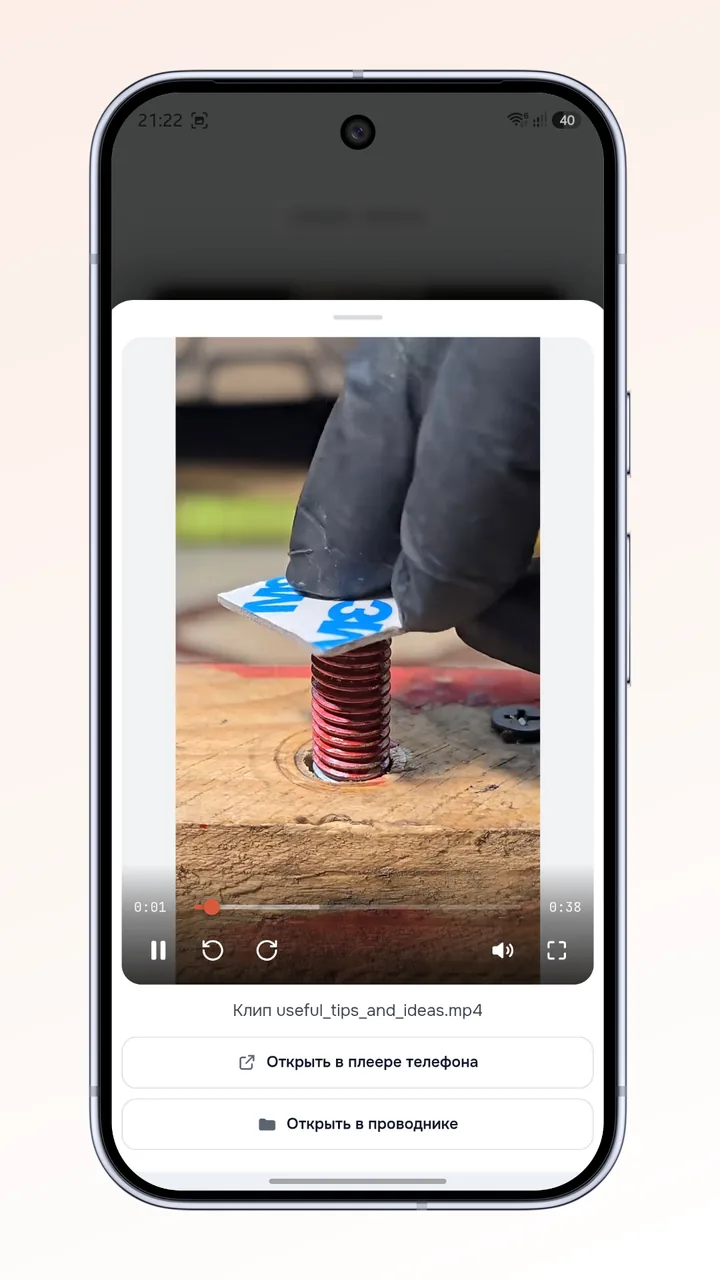
The file lands in your folder. Open it in any player — at home, on a train or anywhere without a signal
The file is yours now
On mobile data it goes slower: carriers throttle downloads
MOVIES TO GO
Downloaded at home
watch it
anywhere
On the subway, on a plane, at a cabin in the woods — the file is already on your phone. No internet, no ads, no waiting before it plays
RUGRAB FOR ANDROID
Road trip
Weekend away
Anywhere you go
Save a lecture before the trip or a cartoon for the kids. When the internet runs out, the video stays
- Video and music in one folder
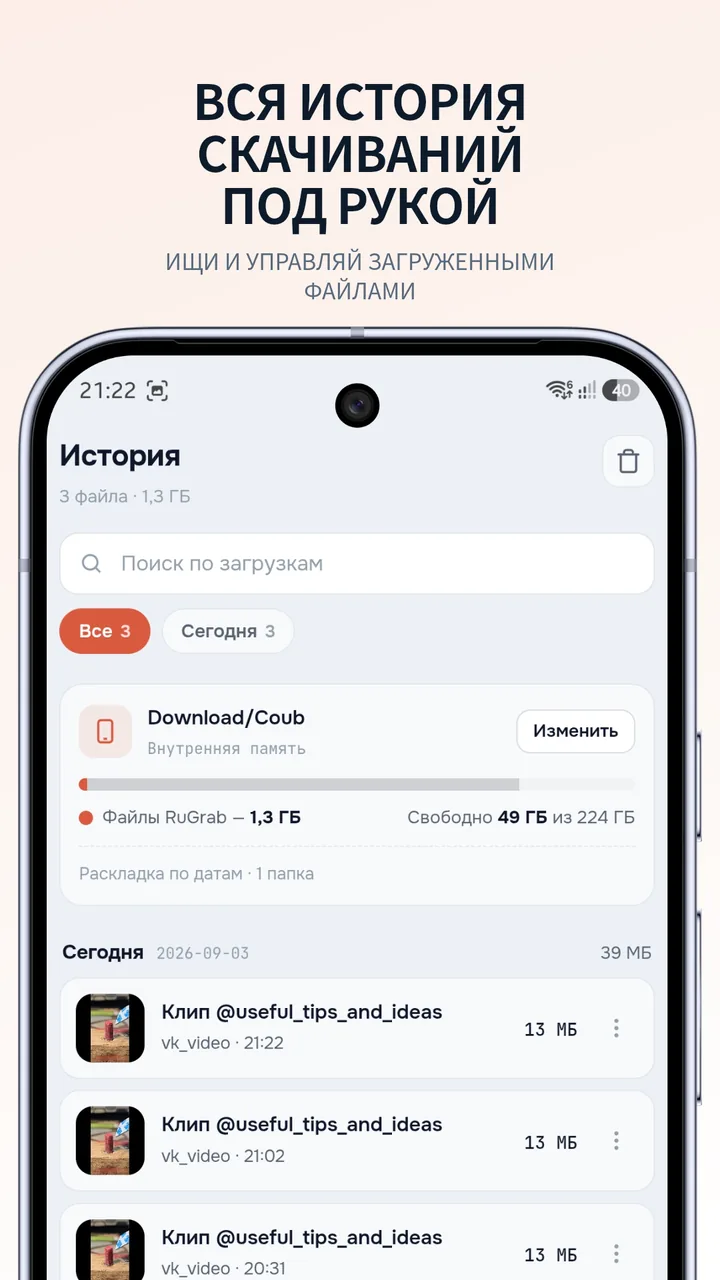
- Download history at hand
- Built-in player
No store? Download the APK · v2.0.2
RUGRAB PLUS · FOR DESKTOP
More than
a downloader
Everything free RuGrab does, plus tools for video and audio. It all runs locally — your files never leave your computer
Transcription to text
A meeting recording, a lecture or a video link becomes text with timestamps. Edit it, search it and save it
DOCXSRTTXTConverter
Compress 5–10×, convert to MP4, WebM, MP3 or GIF, trim. Many files at once
MP4MP3GIFAudio tools
Removes noise, hum and echo. Splits voice and music into two separate tracks
VoiceMusic
Free or Plus
| Feature | RuGrab | Plus |
|---|---|---|
| Downloads from Rutube, VK Video and OK.ru | ||
| Downloads from YouTube, TikTok and Dzen | ||
| Video up to 4K and music as MP3 | ||
| Watching and video enhancementBuilt-in player, real-time NVIDIA RTX, NIS and FSR upscaling | ||
| TranscriptionA recording or link to text with timecodes; edit, search, DOCX, SRT, VTT | — | |
| Converter5–10× smaller files, MP4, WebM, MP3 and GIF, trimming, batches | — | |
| Clean audioRemoves noise, hum and echo — speech becomes clear | — | |
| Voice and music apartTwo tracks — for karaoke, editing and subtitles | — | |
| Everything on your computerFiles never go to the internet or the cloud | ||
| Account and supportNew Plus versions in your account, help straight from the developer | — | |
| Devices | Windows and Android | Windows 10 and 11 |
| Price | Free | 499 ₽ once |
STILL WONDERING
Let’s sort it out
No answer here?
Message the developer
Which sites are supported?
YouTube (including Shorts), Rutube, VK Video, OK.ru, TikTok and Dzen. Just paste the video link — RuGrab detects the site on its own
Is it really free?
Yes. Downloading video and music is free — no ads, no subscription, no sign-up. Transcription, the converter and audio cleanup come with RuGrab Plus, a one-time purchase
How do I run it on Windows 11?
Download the archive, unpack it into its own folder and open RuGrab.exe. No installation needed. Keep the rest of the files next to the program
How do I install it on Android?
Open the RuGrab page on RuStore and tap “Install”. Or download the APK from the link on this page and open the file on your phone
Can I save just the audio?
Yes. After pasting the link pick “Audio · MP3”. You get 128, 192 and 320 kbps. How it ends up sounding depends on the source
Why is the download slow?
Speed depends on your connection and the platform’s servers. Check that the original video plays, try another network and update RuGrab. Still stuck? Send the developer the link and what went wrong
Where are files and history kept?
Downloaded files stay on your device. On Windows the history and settings live in the data folder next to the program. On Android you pick the download folder in the app
THE APP KEEPS GETTING BETTER
Fewer taps. More order
What’s new in Android 2.0.2
September 2026
- The link goes straight into the input field
- You can choose the download folder
- Files are sorted by date
- Fixed audio export